FREE · CHROME EXTENSION
aGoCapture
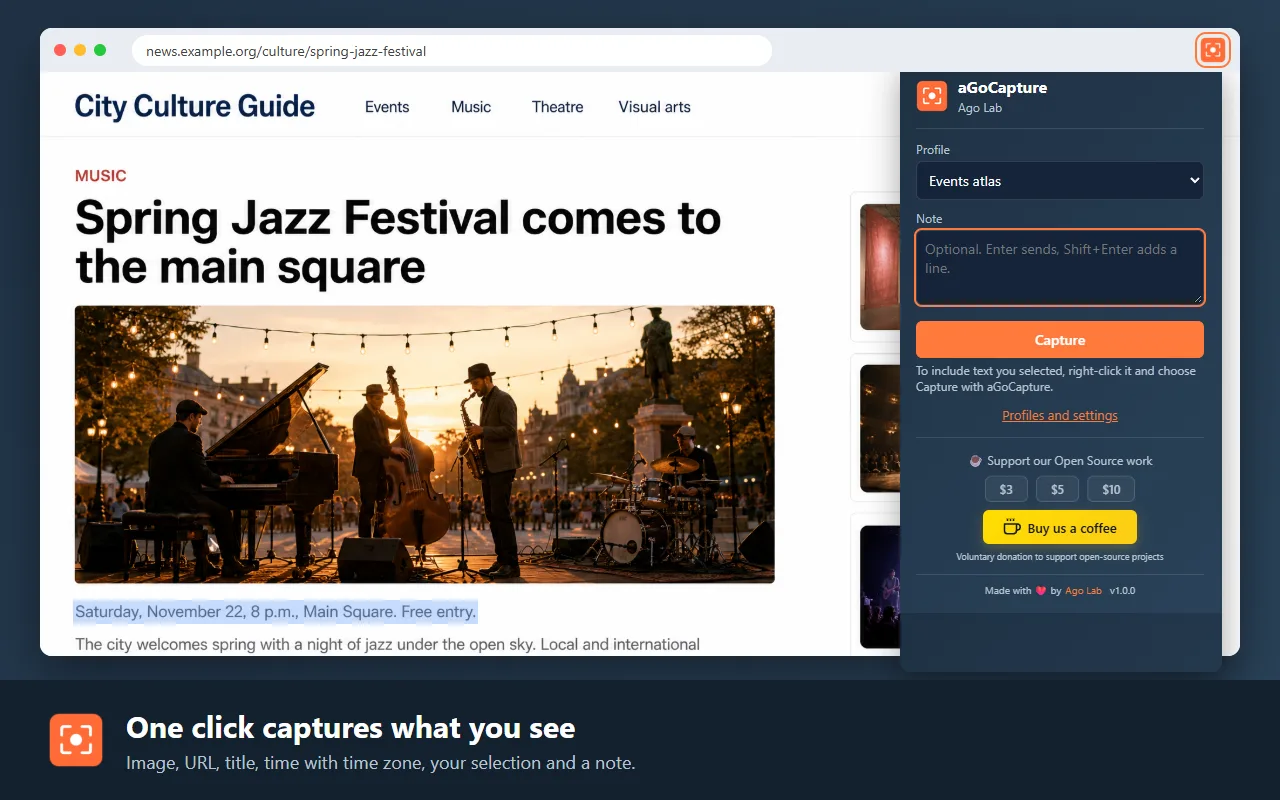
Capture the page you see with its URL, title, time with time zone and your selection, or export it to Markdown, and save or send it where you choose.
What it does
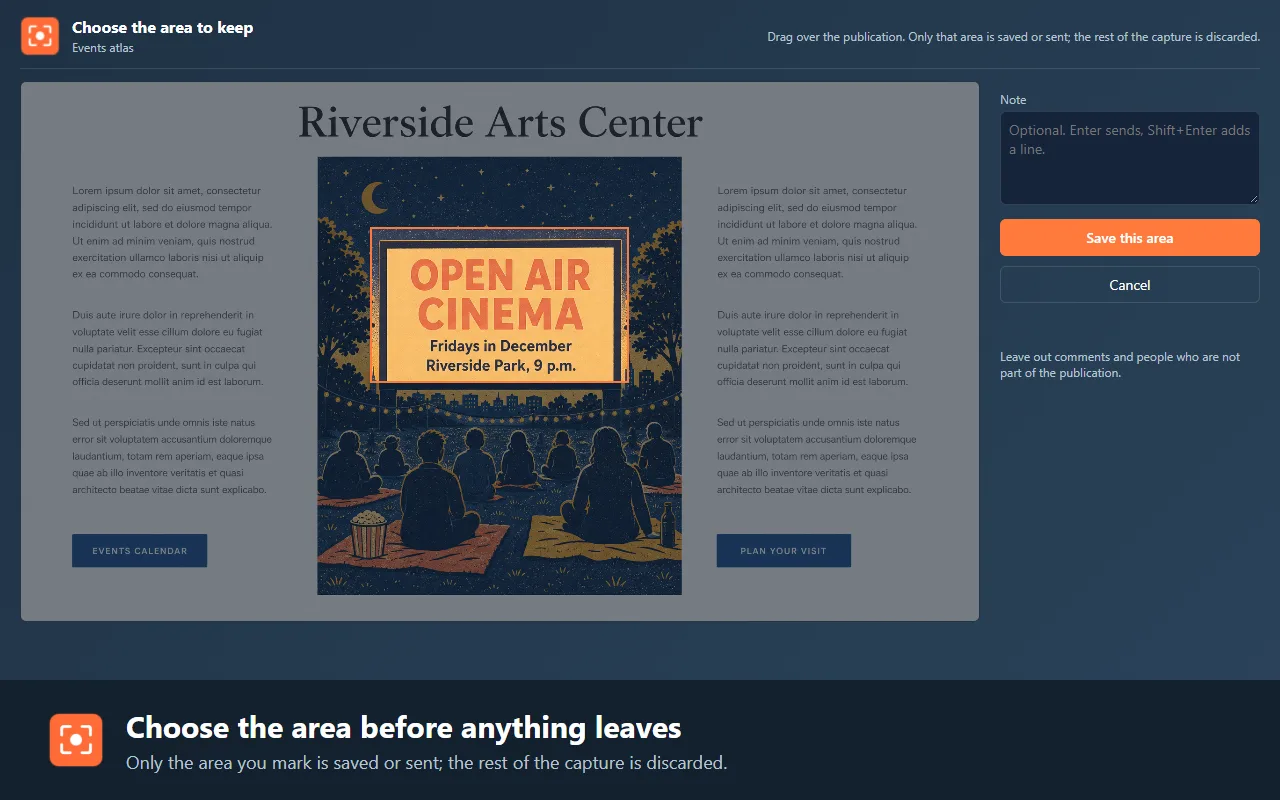
- Crop the area before saving or sending
- Metadata: URL, title, date and time with time zone, selection and note
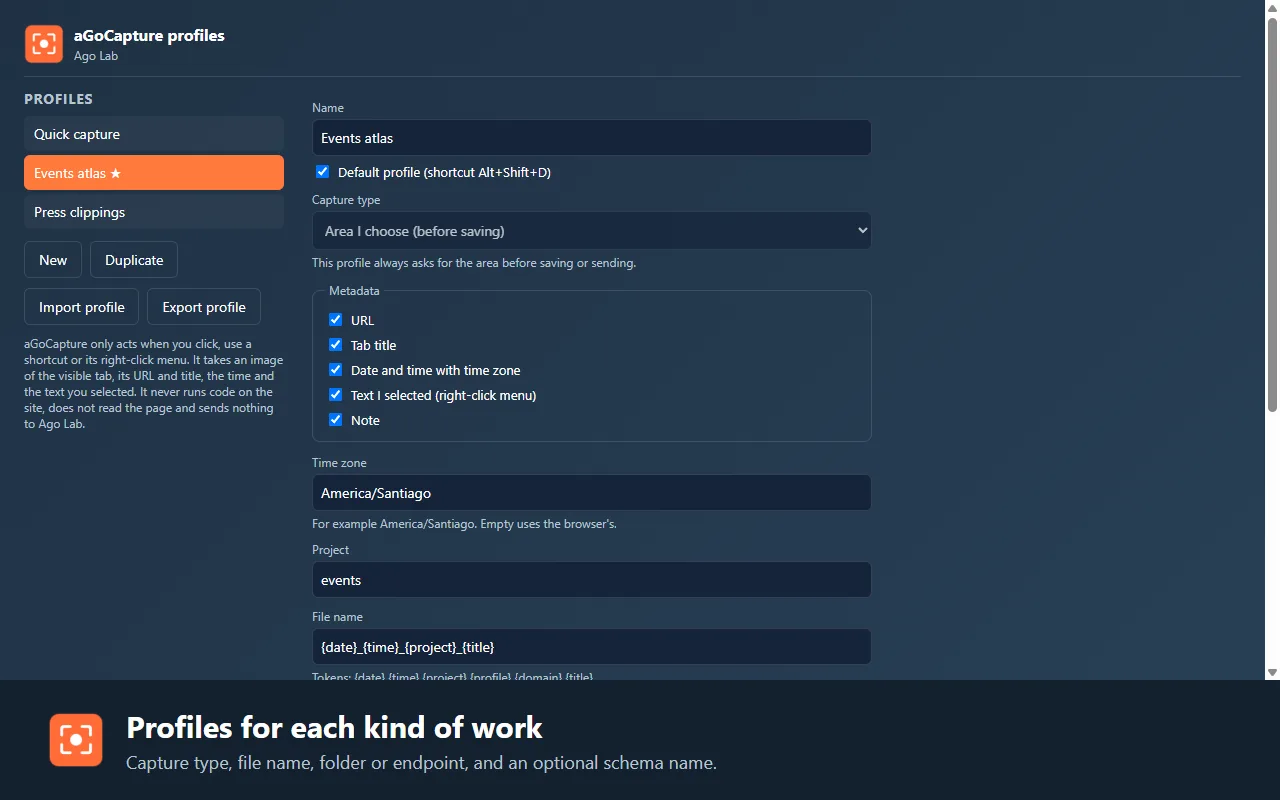
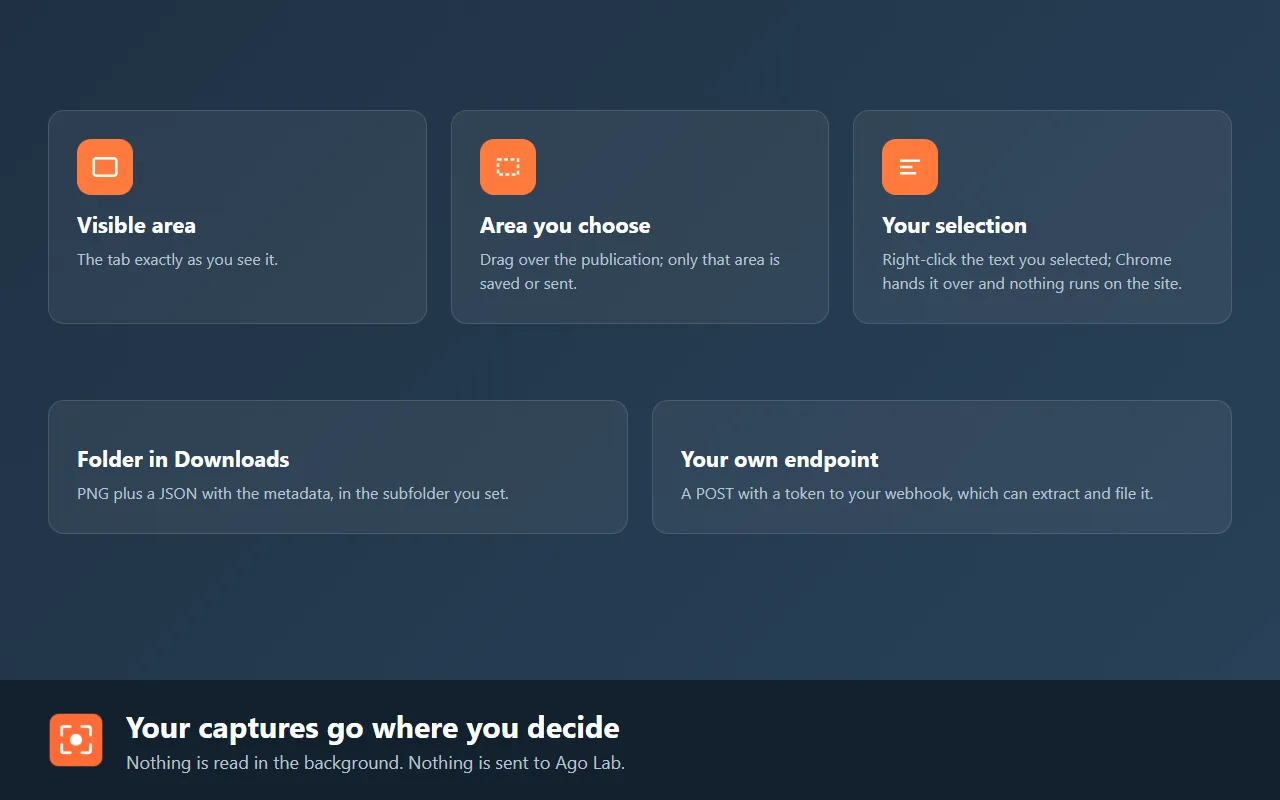
- Profiles with their own destination: a Downloads folder or your server (webhook)
- Markdown export of the article, the whole page or a block
How to use it
- Click the icon or press Alt+Shift+S, pick the profile and add a note if you want.
- If the profile asks for it, mark the area of the page to keep; the rest is discarded.
- The capture, or the Markdown, goes to the folder or web destination of the profile. Alt+Shift+D captures with the default profile without opening anything.